

Stay up-to-date no matter where you are

Wherever you are, you’re up-to-date with instant txt or email booking notifications and with your appointment calendar automatically synced with your personal calendar.

For 30 days. No credit card required.

Sync your schedule across all your devices

Easily sync with your mobile device

Whatever device you use, Bookeo booking calendar is always with you. Automatically sync your appointment schedule with your iPhone, iPad, Android and Microsoft phones/tablets.

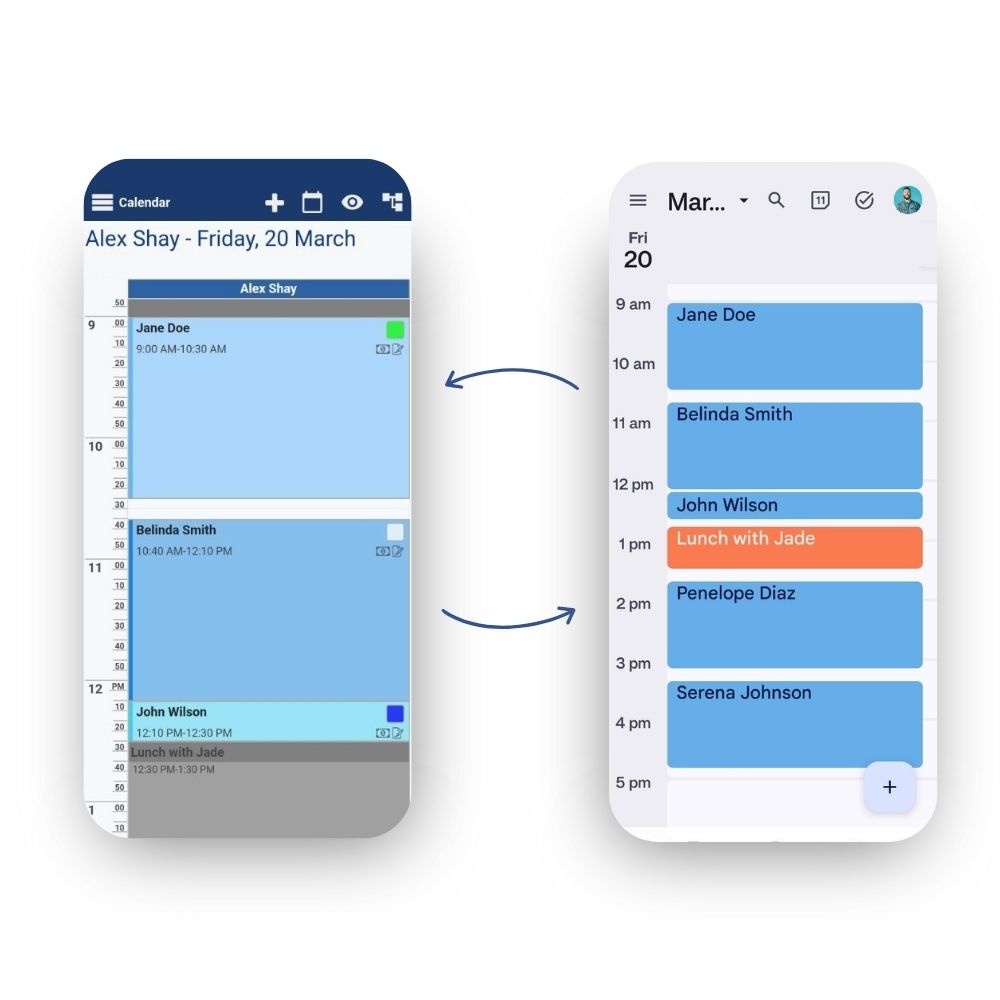
Google Calendar 2-Way Sync

Instantly see your appointment schedule in your Google Calendar. Your personal events are synced to Bookeo to mark you as unavailable for bookings. So you’ll never have to be in two places at the same time again.
Automatic iCal, Outlook & Office 365 sync

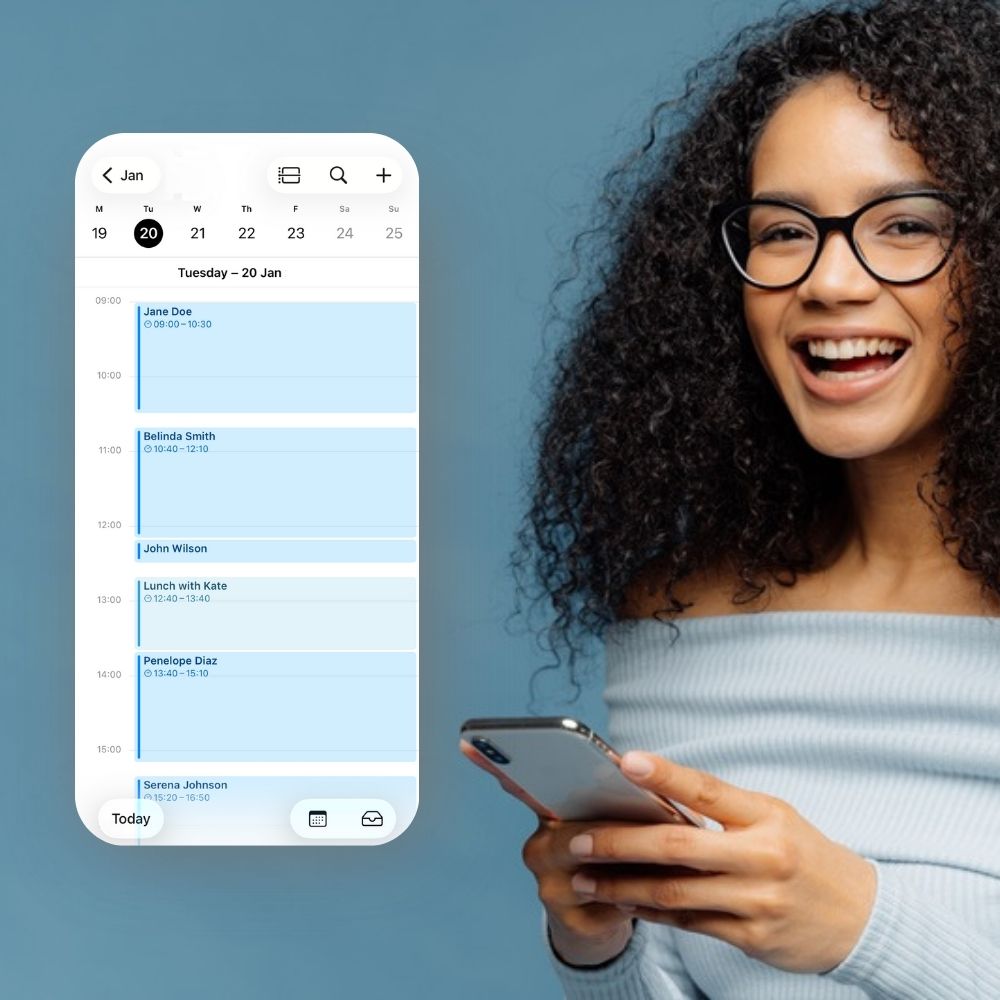
See up-to-date bookings in your iCal

Stay informed even when you’re on the go. Easily view all of your bookings in your iCal, automatically updated with new bookings, changes, and cancellations.

Stay synced on Outlook and Office 365

Never miss an appointment again. Bookeo’s iCal feed easily syncs with your Outlook Calendar and Office 365, so you can view all your latest bookings.

FAQ

Yes. Bookeo supports 2-way synchronization with Google Calendar, so your Bookeo schedule can work alongside the calendar tools your business already uses. With this booking software calendar sync, bookings from Bookeo can be synced to Google Calendar, and Google Calendar events can help keep availability organized across your connected calendar setup. Since Android devices automatically sync with a Google account, syncing Bookeo with Google Calendar can also help you view your Bookeo schedule on Android phones and tablets.

Our calendar sync is especially useful for businesses that manage appointments across multiple devices or staff calendars. When an event changes, such as a new booking or updated booking details, Bookeo re-syncs that event to Google Calendar, helping your appointment calendar stay up to date without extra manual work. For accurate appointment times, make sure the time zone in Bookeo matches the time zone used in Google Calendar.

Yes. Bookeo supports synchronisation with Apple iCal, allowing your Bookeo schedule to integrate seamlessly with the calendar tools your business already uses. With this booking software calendar sync, Bookeo bookings can be synced to your Apple iCal. In this way, you can view your Bookeo schedule on Apple devices.

The iCal sync is one-way only, from Bookeo to iCal. If you need two-way synchronization, you can set up a two-way sync between your Bookeo Calendar and Google Calendar, then enable a two-way sync between Google Calendar and iCal.


Yes. With Bookeo, your booking calendar can sync with the mobile devices you already use, so your appointment schedule stays accessible from your phone or tablet. Our booking software with calendar sync supports syncing your calendar with iPhone and iPad calendars, where Bookeo can appear as another subscribed calendar, and new bookings can show up automatically. For Android devices, Bookeo offers 2-way synchronization with Google Calendar, and because Android phones and tablets sync with a Google account, your Bookeo schedule can be synced to your Android device as well.

Bookeo also supports calendar sync options for Google Calendar and Apple products, helping you manage availability, avoid scheduling conflicts, and keep your appointment booking calendar easier to follow across devices. This makes Bookeo a practical choice for businesses that need online booking software with calendar sync for day-to-day scheduling.

Yes. With Bookeo’s calendar sync, your appointments can stay updated across the devices connected to your calendar setup. When Bookeo is synced with Google Calendar, changes such as new bookings or updated booking details are re-synced to Google Calendar, helping your schedule stay current on computers, Android phones, tablets, and other devices connected to that Google account. For iPhone and iPad users, Bookeo can also appear as a subscribed calendar, so new bookings can show up automatically in the device’s Calendar app.

Our booking software with calendar sync is designed to make appointment management easier across devices, whether you use Bookeo on its own, with Google Calendar, or with Apple calendar tools. For the best experience, make sure your device calendar sync is enabled and that your time zone settings match across Bookeo and your external calendar.

Yes. Bookeo can support both booking notifications and calendar sync updates, so your team can stay informed while your schedule stays organized. With our booking software, account users can receive email or SMS notifications for online bookings when notification rules are enabled, and the users have the right permissions for the services or resources involved. When bookings are created, changed, or deleted from the Bookeo Calendar, notifications can also be sent to customers and account users when the relevant email or SMS options are selected.

At the same time, Bookeo’s calendar sync can keep your appointment schedule updated in connected calendar tools, such as Google Calendar. This means booking notifications can alert the right people, while calendar sync helps keep appointment details visible across your calendar setup. For businesses using online booking software with calendar sync, Bookeo makes it easier to manage bookings, updates, reminders, and schedule visibility from one connected workflow.