

Simplified client management

Clients info, simplified
Easily access each client’s full and current contact info, appointment booking history and health condition with our booking database feature, so you can provide the individual attention that keeps customers coming back.

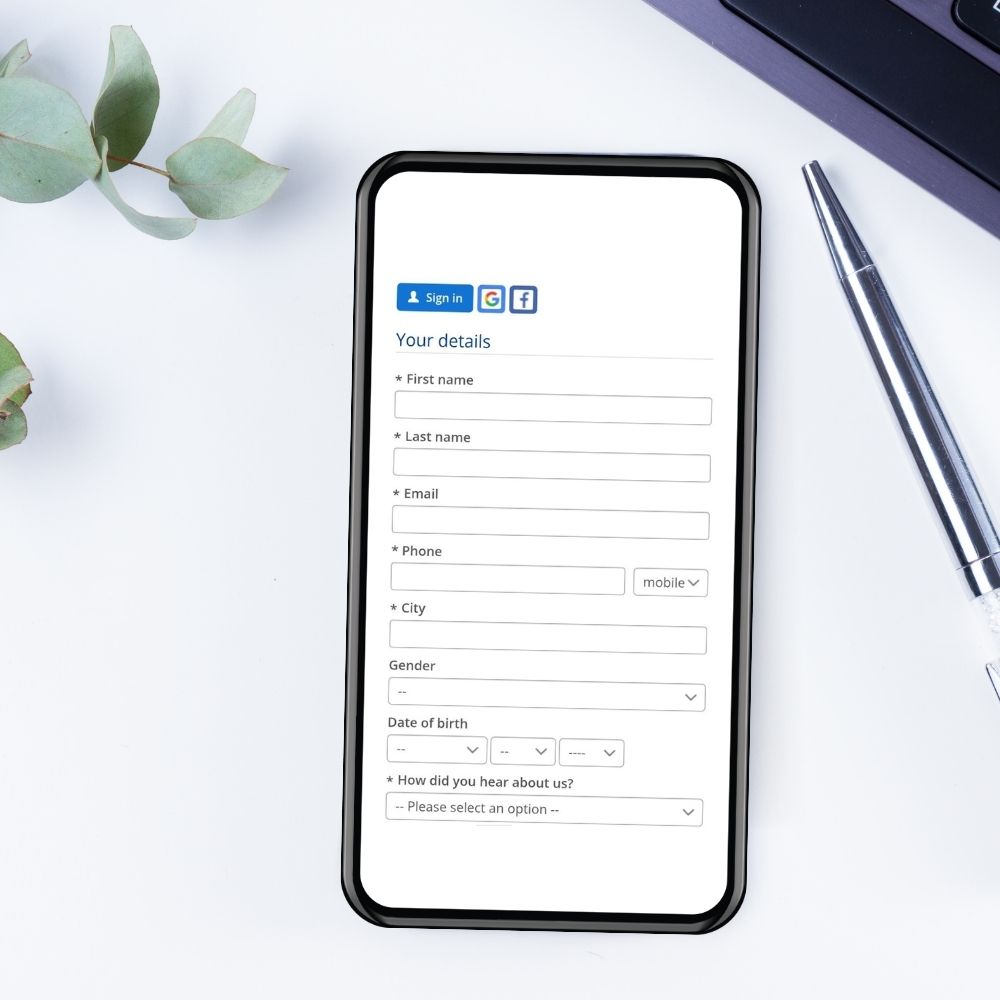
Collect customer and participant data
Ask about clients’ health background or other preferences. You can choose to gather these details either during the booking process or when participants sign their waivers. Answers are automatically prefilled in all future bookings, saving time for you and your clients.

Remember every client’s name
Welcome clients by name whenever they walk in the door. Bookeo’s client profiles feature your clients’ photo from Facebook or your own upload, so you will never forget what your clients look like.
Linked participants & internal notes

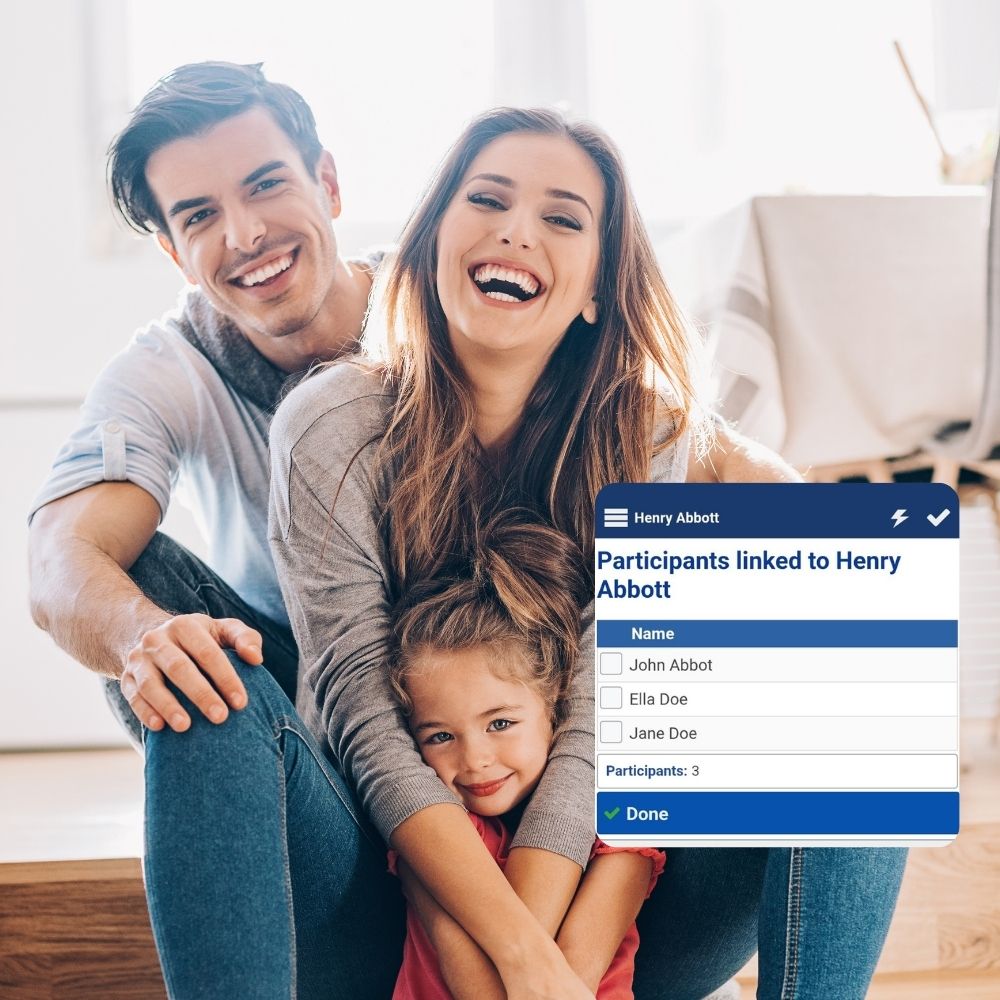
Linked participants
Easily see all linked participants for a customer, along with their profiles, bookings, and payment history.

Custom people categories to suit your business
Offer differently-priced services for custom people categories – such as students or seniors.

Safeguard client confidentiality
Maintain private preferences, health conditions and other internal-only info that lets you and your staff provide the utmost in personalized customer service.
FAQ
Yes. Bookeo helps you keep client records in a single, organized booking database, reducing the need to manage appointment details in paper files. When a new customer makes a booking, Bookeo automatically creates a customer profile in the Customers section of your dashboard, using the customer’s email address to identify the record. Details such as name, email, standard fields, and custom fields can be saved to the customer record, so important client information is easier to access when managing future appointments.
Our booking software also lets you add internal notes to a customer profile, which are not shown to the customer. This makes Bookeo useful for keeping practical client information connected to the booking history and appointment workflow. You can also export your customer database when needed, giving your business a more flexible way to manage client records without relying on scattered paper files.
Yes. Bookeo’s appointment client database can be accessed through your Bookeo account, including from smartphones and tablets. Our booking software automatically detects mobile devices and shows an interface designed for the device’s screen size, so the admin tools available on a desktop or laptop are also available from mobile devices. This means you can manage customer records, review booking details, and keep your client information organized, whether you are at your desk or on the go.
With Bookeo, new customer profiles are automatically created in the Customers section of your dashboard when new customers make a booking. Details such as name, email, and standard or custom fields are saved to the customer record, giving your business a centralized booking database that is easy to access when managing appointments. Bookeo also supports exporting your customer database when needed, giving you more flexibility than scattered files or device-only records.
Yes. Bookeo helps keep each customer’s booking activity connected to their customer profile, so your team can review client information and appointment records from one organized place. When a new customer makes a booking, our booking software automatically creates a customer profile in the Customers section of your dashboard, using the customer’s email address to identify the record. Returning customer bookings can then be connected to the existing profile, helping you avoid duplicate records and maintain a clearer booking database.
With Bookeo’s appointment database feature, customer profiles can store details such as name, email, standard fields, custom fields, and internal notes. This makes it easier to understand a client’s relationship with your business, review their appointment activity, and manage follow-up without switching between paper files, spreadsheets, or disconnected tools.
Yes. Bookeo can save customer information in a centralized booking database so it can be reused when managing future appointments. When a new customer makes a booking, Bookeo automatically creates a customer profile in the Customers section of your dashboard, using the customer’s email address to identify the record. Details such as the customer’s name, email, standard fields, and custom fields are saved to that customer record, helping our booking software keep client information organized for future use.
For bookings created from the Bookeo Calendar, our autocomplete function can help staff select an existing customer profile. Once selected, Bookeo automatically fills the customer details into the booking and links the booking to that profile. This helps reduce repeated data entry, keeps customer records cleaner, and makes Bookeo’s booking database useful for businesses that want a smoother appointment booking workflow.
Yes. If there are multiple participants in a booking, the system can collect their details, which will then appear in your appointment database.
Participants will be automatically linked to the customer’s profile.